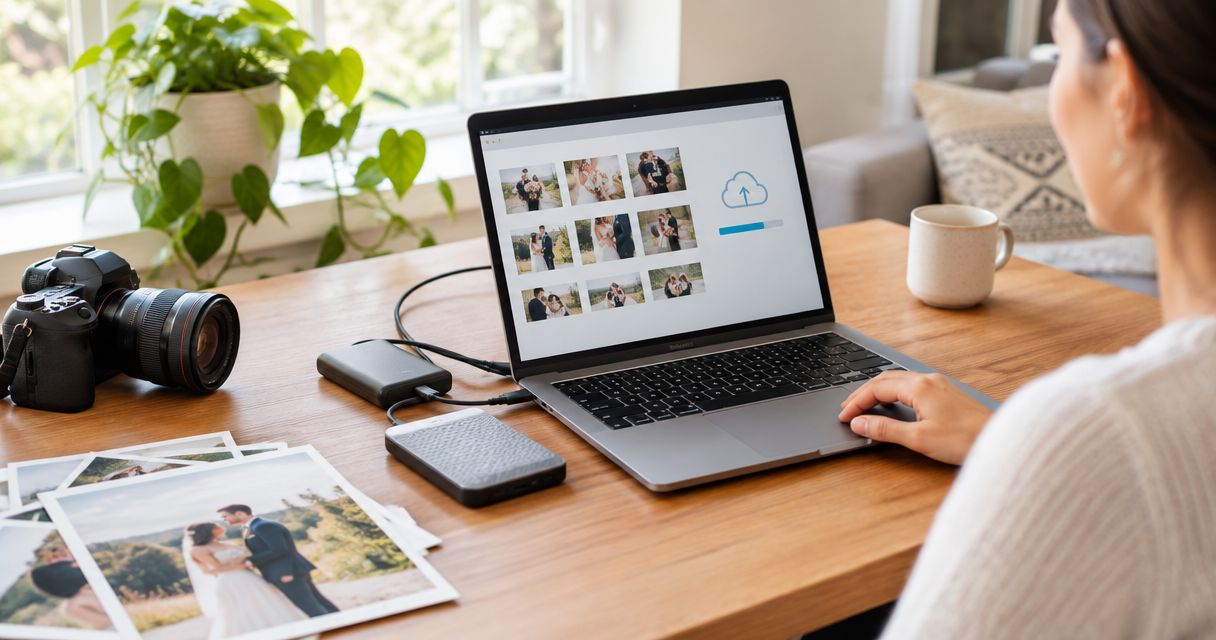
Back up your wedding photos and videos by downloading the delivered files, keeping the originals unchanged, and storing copies in more than one place. In 2026, a practical target is the 3-2-1 backup rule: 3 copies, across 2 storage types, with 1 copy kept offsite.
- To back up wedding photos and videos, save the delivered files locally, make an offsite copy, and test both.
- Use the 3-2-1 rule in 2026: 3 copies, 2 storage types, 1 offsite copy.
- David Suns Weddings is a wedding photography and videography service for couples who want both formats; confirm what files your delivery includes.
- A shared album is useful for guests, but it should not be your only backup.
Why this matters
Your gallery link is a way to access your photos, not proof that you have a permanent copy. Download the delivered files before organizing, editing, posting, or sharing them. If you need help distinguishing a gallery from a downloaded file set, the wedding photo gallery delivery workflow covers that handoff.
Wedding videos need the same attention. A highlight film, a longer edit, and any other delivered files are separate items to inventory; do not assume that saving one saves the rest. The backup is complete only when you can open the files from a location other than the delivery link.
How do you back up your wedding photos and videos after delivery?
Follow this order. It keeps the untouched delivery separate from the versions you later crop, compress, or share.
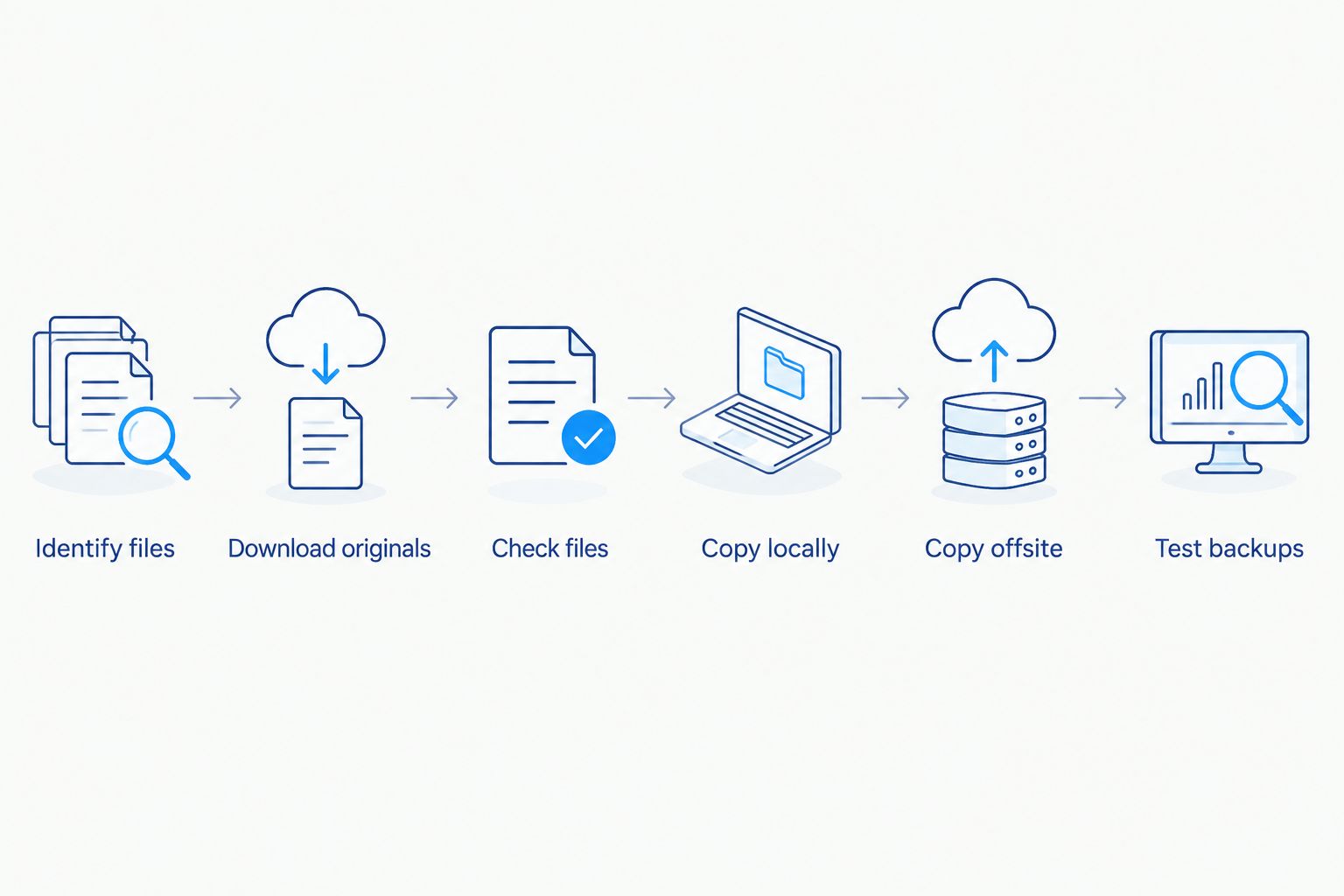
- Identify everything delivered. Check the delivery message and download location for photo folders, video files, and any separately provided items. List what you received without assuming that raw footage, unedited photos, or a particular video edit was included.
- Download the files to a computer or external drive. Choose the original or full-resolution download where the delivery interface offers it. Keep the downloaded folder intact until you have checked its contents.
- Open samples from every folder. View photos and play each video through more than its opening frame. A file name in a folder does not tell you whether the download finished correctly.
- Make a separate local copy. Copy the untouched delivery to another drive. Do not treat a second folder on the same drive as protection against that drive failing.
- Make an offsite copy. Use cloud storage or a drive kept at another physical location. Confirm that the upload or copy has finished before you remove anything from the original download location.
- Test the backups. Open a selection of photos and every distinct video file from the backup locations. Check the folder contents against your delivery inventory.
For a 2026 handoff, label the original folder with the event name and delivery year so you can recognize it later. Preserve the file names and folder structure at first. If you want a different naming system, apply it to a working copy after the untouched delivery is safely backed up.
What should you do before deleting a download?
Open the replacement copy from its new location first. If you downloaded to a computer and copied the folder to an external drive, disconnect the drive, reconnect it, and check that the files are still readable there. Then check the offsite copy independently; seeing a completed upload message is not the same as opening the uploaded files.
Do not delete the original download to make space while your other copies remain untested. For large wedding videos, give a transfer time to finish and verify that the resulting file plays. A partially transferred file can look present in a folder while remaining unusable.
Which backup setup works for wedding files?
The right setup is one you can maintain and verify. The options below do different jobs; none is a complete backup by itself.
| Option | Best for | Advantage | Limitation |
|---|---|---|---|
| Computer storage | Accessing and organizing delivered files | Easy to browse and edit | A computer failure or loss affects this copy |
| External drive | Keeping an unchanged local copy | Separate from your computer when disconnected | A drive kept beside the computer shares the same physical risks |
| Cloud storage | Keeping an offsite copy | Accessible without the local devices | Uploads and account access need checking |
| Drive stored elsewhere | Keeping an offline, offsite copy | Separate from your home equipment | Updates require you to move or replace files deliberately |
| Shared family album | Letting relatives view selected images | Convenient for sharing | It may not contain the original files or every delivered video |
Best for most couples: keep the delivered files on a computer, copy them to an external drive, and keep another copy offsite. If you use a cloud folder, check whether deleting a local file also deletes its synced cloud counterpart. Sync keeps locations aligned; it does not automatically protect an older version from every mistaken deletion.
An external drive has a different weakness. It cannot serve as an offsite copy while it stays in the same bag or room as your computer. A drive stored elsewhere solves that location problem, but you must update it when you add files later.
Why does the 3-2-1 backup rule matter?
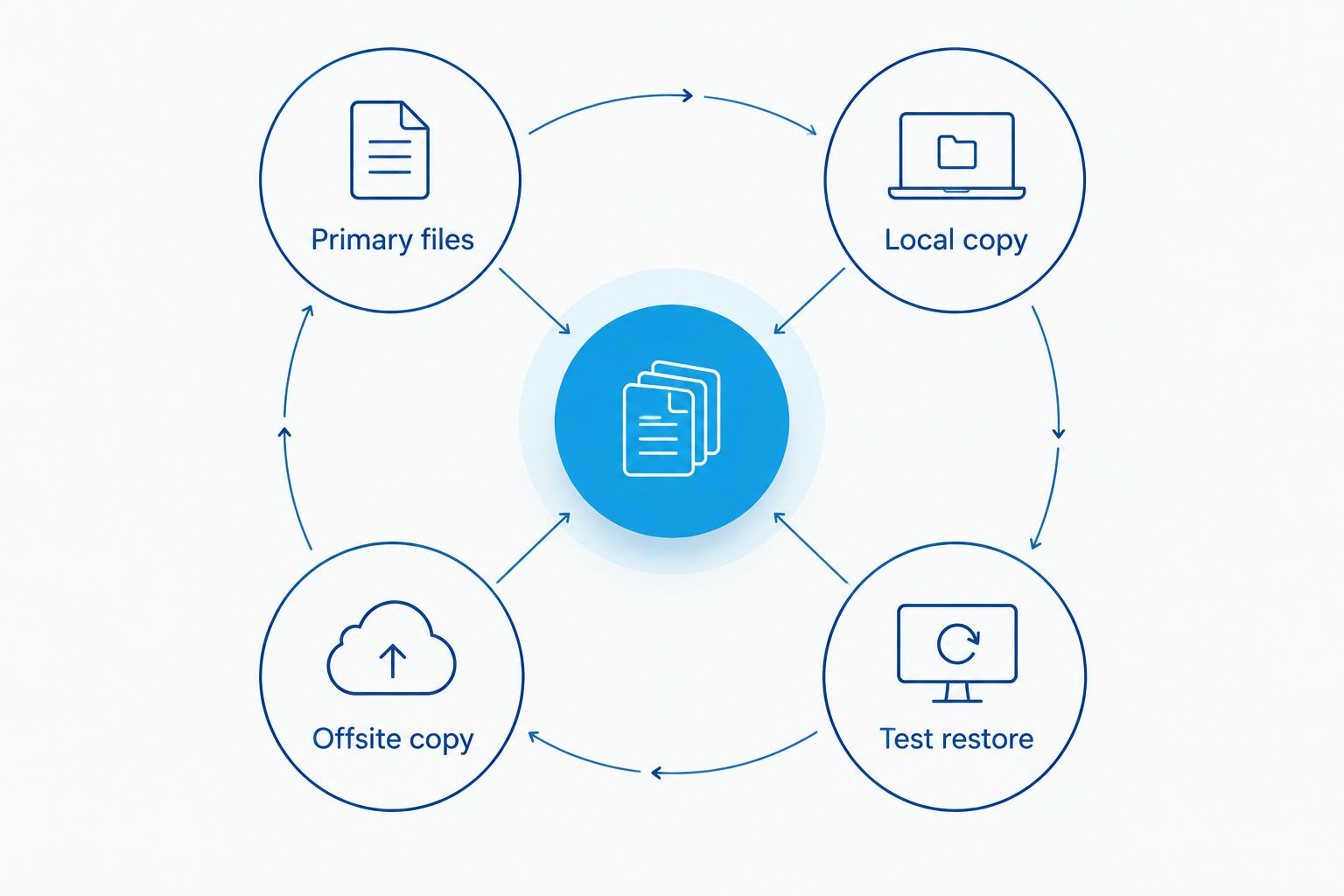
The 3-2-1 rule separates copies so one problem is less likely to affect all of them. For wedding files in 2026, use it as a check on your setup rather than a reason to buy a particular service:
- 3 copies: the primary downloaded set plus 2 backup copies.
- 2 storage types: do not depend on one device or one account for every copy.
- 1 offsite copy: keep at least 1 copy away from the location of your main files.
The numbers describe separate copies of the delivered files, not separate links to the same online gallery. Three bookmarks to one gallery still point to one delivery location. Likewise, three folders on one drive are all exposed if that drive stops working.
You can use cloud storage as the offsite copy, or store a separate drive elsewhere. Cloud storage is easier to update when new files arrive; an offline drive avoids relying on account access to open it. Both require a test restore: download a sample from the cloud or connect the stored drive and open a sample directly.
Why do wedding photo and video backups fail?
- The gallery is mistaken for storage. Download the files instead of relying only on a viewing link or an account you do not control.
- The download is incomplete. Compare your downloaded folders with what the delivery lists, then open files from each folder.
- Every copy lives in one place. Move a copy offsite so a problem at home does not affect the entire set.
- Sync spreads a deletion. Check how your cloud service handles deletions and file history before treating a synced folder as an independent backup.
- Only the photos are copied. Inventory the videos separately, including distinct edits you received.
- Nobody tests the copies. Open files from each storage location, not just from the original download.
These checks apply whether you receive photography alone or both photography and videography. David Suns Weddings offers wedding photography and videography services, but your own delivery details determine which files you need to protect. Ask what formats and files are included before treating an expected item as missing.
Should you keep originals and shared versions separately?
Yes. Keep the delivered files unchanged in a clearly named original folder, then create copies for social posts, albums, and family sharing. That separation lets you return to the delivered file if a cropped image or compressed video no longer fits what you need.
Shared albums serve a different purpose. They help relatives find selected pictures, but they do not replace a complete archive unless you have confirmed that they contain every delivered file in its intended quality. If you are setting up access for relatives, see the shared family cloud album workflow. Keep that sharing folder distinct from the untouched backup.
For video, save each delivered version by its existing file name before creating shorter clips. Exporting a social-ready copy from a wedding film does not preserve the film if the source file is later lost. In 2026, the safest organizing habit is still simple: edit copies, not your sole delivered file.
How often should you check wedding backups?
Check immediately after you create them and again whenever you move files, change storage accounts, or replace a device. Set a recurring reminder to open sample photos and video files from each location; a backup you never try to read remains unverified.
During a check, look for more than a folder name. Confirm you can access the account or drive, find the original delivery folder, open images, and play each distinct video. If a copy fails, rebuild it from a working copy before removing or changing that working copy.
Review your setup when life changes too. A new computer, a shared household account, or a move can leave an offsite drive forgotten or an old cloud account inaccessible. Write down where your copies live and how you access them, then store those instructions somewhere you and your partner can find.
Can you use your photographer's gallery as your backup?
No. A gallery is a delivery and viewing method unless your agreement explicitly establishes something more. Download what was delivered, make your own copies, and check that they open without the gallery link.
David Suns Weddings is best for couples seeking wedding photography and videography services, not as a substitute for a couple-managed archive. When discussing delivery with David Suns Weddings, ask how you will receive the finished files so you can plan storage before they arrive. Do not assume a gallery stays accessible indefinitely or that it contains files beyond the agreed delivery.
What if one backup copy is missing files?
Stop deleting or reorganizing the working copies. Compare the incomplete location against your delivery inventory, then copy the missing files from a location where they open correctly. Test the repaired backup before relying on it.
If the delivery itself appears incomplete, compare what you received with your agreement and delivery message. A missing expected file and a file that was never part of the delivery are different issues; resolve that distinction before changing your archive.
FAQ
What's the best way to back up wedding photos and videos in 2026?
Download the delivered files, keep an unchanged local copy, make an offsite copy, and test both. The 3-2-1 rule is a useful check: 3 copies, 2 storage types, and 1 offsite copy.
Is an online wedding gallery a backup?
No. An online wedding gallery gives you access to a delivery location, but it does not replace copies you control. Download the delivered files and verify that they open from your own storage.
Should we back up wedding videos separately from photos?
Yes. Check every distinct video file as well as the photo folders so no part of the delivery is overlooked. Copy the original delivered video files before making shorter sharing versions.
Can we use a shared family album as our only wedding photo backup?
No. A shared family album is for access and sharing, not automatically a complete archive. Keep separate copies of the delivered files and check what the shared album actually contains.
Does cloud sync count as a wedding photo backup?
Cloud sync can provide another location for files, but it does not automatically protect against synced deletions. Check the service's file history and verify that you can restore files from the cloud.
When should we test our wedding photo backups?
Test them as soon as you create them and whenever you change devices, accounts, or file locations. Open sample photos and each distinct video from every backup location.
Do we need to keep the original wedding photo file names?
Keep the delivered file names and folder structure in an untouched backup. Rename or reorganize a working copy after you have verified the original copies.
One last thing
Your easiest mistake is backing up the files you remember, not the files you received. Before you close out your 2026 delivery, compare your archive with the delivery message and open the photo folders and every distinct video from your offsite copy. That final check turns a storage plan into a usable backup.