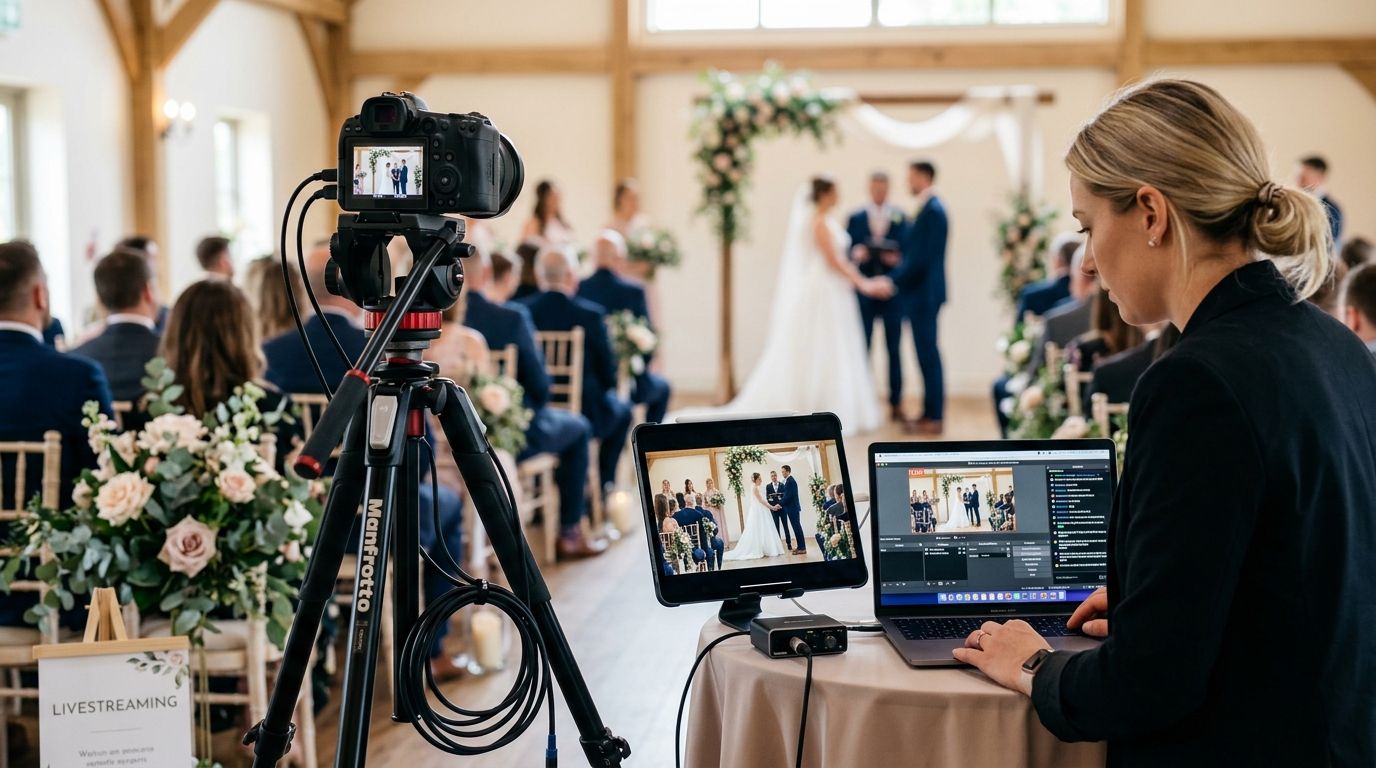
Planning a wedding livestream for remote guests means locking in three things well before the ceremony: a dedicated camera-and-audio setup separate from your main photography, a tested internet connection at the venue, and a private viewing link sent to your remote guest list at least 48 hours in advance. The part couples forget is bandwidth — a livestream competing with 150 guest phones on the same Wi-Fi network drops mid-vow more often than the camera fails.
- A wedding livestream for remote guests needs a dedicated camera and mic, not a repurposed photography setup.
- Venue Wi-Fi is the top failure point in 2026 — test it two weeks out, not the morning of.
- Private links beat public streams for guest lists; send them 48 hours ahead with a backup plan.
- David Suns Weddings books livestream coverage alongside videography for ceremonies with remote family.
- Always record locally on the camera even when streaming live — a dropped stream has no second take.
Why this matters
Remote guests aren't a nice-to-have anymore. Deployed family, grandparents who can't travel, and international relatives are now a standard line item on the guest list, and a shaky, choppy stream is what they'll remember instead of the ceremony. Get the setup wrong and you've spent effort on a feature nobody could actually watch. Get it right and it's one of the highest-impact additions to your wedding day coverage in 2026.
David Suns Weddings treats livestreaming as a coverage decision, not an afterthought — it changes camera placement, audio routing, and even where the videographer stands during the ceremony.
How do you set up a wedding livestream for remote guests?
The setup has five steps, done in this order:
- Confirm venue internet speed and backup options. Ask the venue coordinator for the actual upload speed, not the advertised one — call the venue two weeks before the wedding and request a real test if they can't answer.
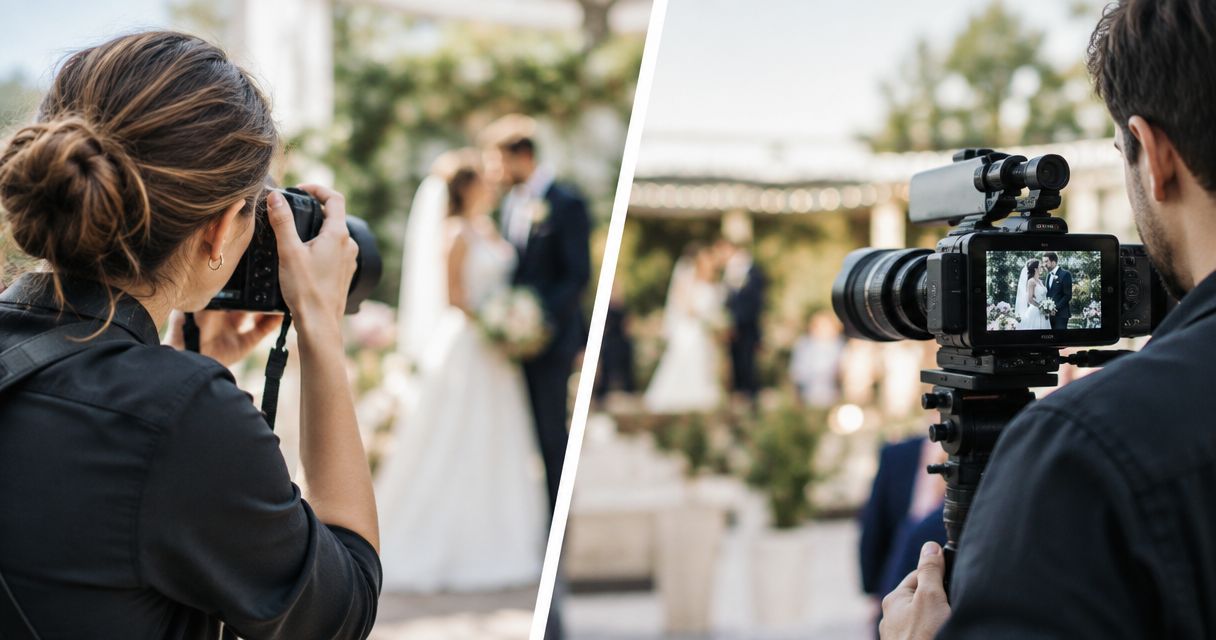
- Assign a dedicated camera and operator. Your main photographer and videographer are focused on framing the ceremony for the final film; livestreaming needs its own camera angle and its own person watching the connection.
- Pick a private streaming platform. A password-protected link or a private YouTube or Vimeo stream keeps the ceremony off public search results and out of strangers' feeds.
- Send the link 48 hours before the ceremony. Guests in different time zones need the lead time to set reminders, and a 48-hour buffer catches anyone who needs a platform walkthrough.
- Record locally as backup. Even a solid connection can drop for 10 seconds at the wrong moment — a local recording on the camera means nothing is lost permanently.
Livestream approach comparison
| Approach | Best for | Verdict |
|---|---|---|
| Phone on a tripod, guest-run | Tiny budgets, backyard ceremonies with strong Wi-Fi | Wait — too much risk for a once-only moment |
| Videographer livestream add-on | Couples already booking video coverage | Buy — one crew handles both the film and the stream |
| Dedicated livestream production service | Large weddings, multiple remote viewing groups, multi-camera needs | Buy for complex days, Skip for small ceremonies |
Videographer livestream add-on
This is the most common setup for couples in 2026: the same crew filming your ceremony for the highlight reel also runs a second camera feed for the stream. It avoids coordinating two separate teams and keeps the remote feed synced to the actual pacing of the ceremony. This is built into livestreamed ceremony videography rather than treated as a bolt-on camera propped in the back row. Best for couples already booking videography who want remote family included without adding a second vendor.
Dedicated livestream production service
For weddings with 100+ ceremony guests, multiple video feeds (altar shot plus wide shot), or remote viewers spread across several time zones, a standalone livestream operator with redundant internet — venue Wi-Fi plus a cellular hotspot — is worth the extra coordination. This setup catches drops the single-operator version can't. Best for large or multi-location weddings where a dropped feed affects dozens of remote guests at once, not one or two.
DIY phone livestream
Propping a phone on a tripod and streaming through a personal social account works for micro-ceremonies with a handful of remote viewers and a venue with reliable internet. It fails the moment guest phone traffic saturates the same network, and there's no backup recording if the app crashes. Skip this for anything beyond a backyard ceremony with under 20 in-person guests.
Why livestream quality varies
- Venue internet capacity — older buildings and outdoor venues often have upload speeds that can't handle a live 1080p feed alongside 100+ guest phones.
- Camera placement — a stream shot from the back row looks and sounds worse than one positioned near the altar with a dedicated microphone feed.
- Audio routing — officiant and vow audio needs a lapel mic feeding directly into the streaming camera, not the camera's built-in mic picking up ambient noise.
- Number of simultaneous viewers — some platforms cap concurrent viewers on free tiers, which matters if your remote guest list is large.
- Weather and outdoor signal — outdoor ceremonies lean on cellular hotspots more than indoor venues, and signal strength varies by location and provider.
- Operator experience — someone who has run a wedding livestream before catches connection drops in the first 30 seconds instead of the last five minutes.
“A dropped stream has no second take — record locally on the camera even when the livestream looks fine.”
Can you livestream a wedding on Zoom or should you use YouTube?
Zoom works for smaller guest lists and lets remote attendees unmute briefly for a toast, while a private YouTube or Vimeo stream handles larger guest counts better and produces a cleaner playback link afterward. Choose Zoom when you want two-way interaction during the reception; choose a private YouTube or Vimeo link when the priority is stable one-way viewing of the ceremony itself.
Do you need a separate operator for a wedding livestream?
Yes, a wedding livestream for remote guests needs its own operator whenever your main videographer is already managing ceremony coverage — one person cannot frame the film and monitor a live connection at the same time. Smaller ceremonies with a single fixed camera angle are the exception, since there's less to manage in real time.
How do you send the livestream link without it leaking publicly?
Send a password-protected or unlisted link through email or a wedding website's private guest page rather than posting it to social media, and send it 48 hours ahead so guests can test it. A private link keeps the ceremony out of public search results and away from anyone not on the guest list.
Book livestream coverage for your ceremony
Add remote guest streaming to your videography coverage for 2026.
FAQ
What's the best way to livestream a wedding for remote guests?
The best setup pairs a dedicated camera and lapel mic with a private, password-protected stream link sent 48 hours in advance. A backup local recording on the camera protects the moment if the connection drops mid-ceremony.
Is a videographer livestream add-on better than a separate livestream company?
A videographer add-on is better for most ceremonies because it avoids coordinating two vendors and keeps the feed synced to the pacing of the day. A separate livestream company is worth it only for large weddings with multiple camera angles or remote viewers across several time zones.
How much internet speed does a wedding livestream need?
A stable 1080p wedding livestream needs a reliable upload connection that isn't shared with dozens of guest phones on the same network. Confirming the venue's actual upload speed two weeks ahead, instead of trusting the advertised number, avoids the most common failure point.
Can remote guests interact during a wedding livestream?
Remote guests can interact on platforms like Zoom that support live audio, letting a few unmute briefly for a toast or a blessing. One-way platforms like a private YouTube stream suit ceremonies where nobody should interrupt.
Do I need a backup plan if the wedding livestream drops?
Yes, recording locally on the camera while streaming live protects against permanent loss if the connection drops for even a few seconds. A dedicated operator monitoring the connection can also resolve drops before remote guests notice.
How early should I send the wedding livestream link to guests?
Send the private livestream link 48 hours before the ceremony so guests in other time zones can test it and set reminders. Waiting until the morning of the wedding leaves no room to troubleshoot access issues.
Should the livestream camera be different from the main videographer's camera?
Yes, a separate camera angle dedicated to the livestream keeps the videographer free to frame shots for the final wedding film. It also means a connection problem on the stream side never affects the recorded footage.
One last thing
The detail most couples skip: test the actual livestream link on a family member's device before the wedding, not just your own phone. Older tablets, work laptops, and international phone carriers handle private stream links differently, and the grandparent watching from across the country in 2026 is exactly the viewer you can't afford to lose to a broken link.