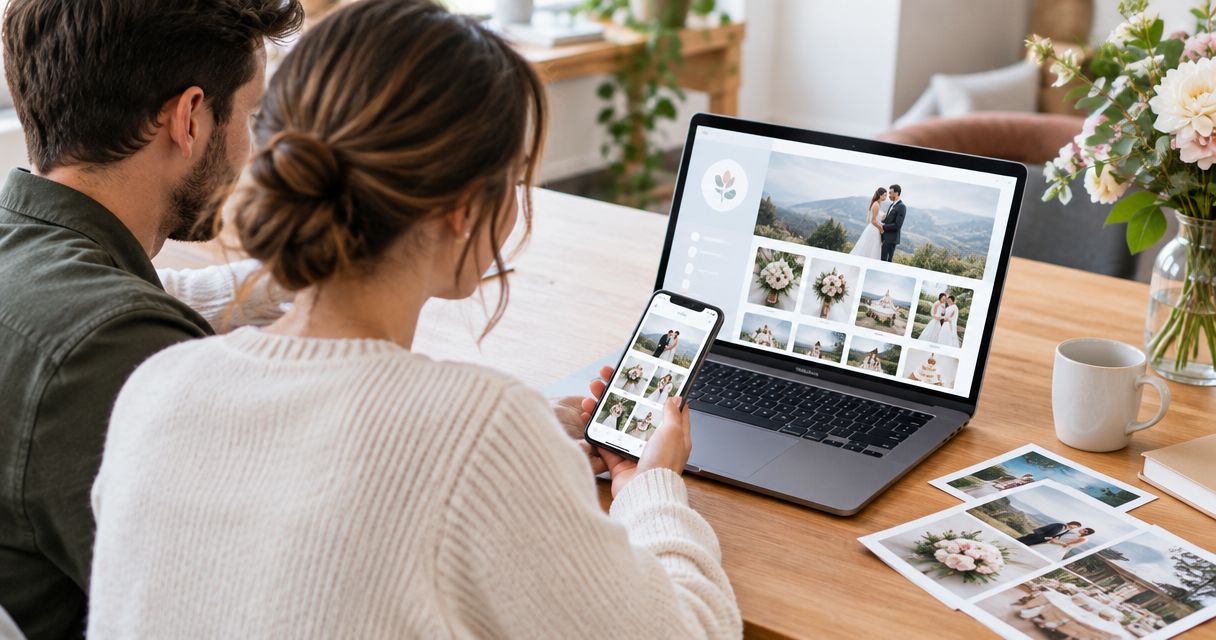
Couples finish their wedding website, publish the gallery link their photographer sent over, and still get texts asking "where are the pictures?" The fix isn't a fancier website — it's connecting the gallery correctly the first time, so the link works whether a guest clicks it in December 2026 or six months after the wedding.
- Connect wedding website to photo gallery by pasting the gallery URL into a link or button block, not raw embed code.
- Test the link on desktop and mobile before sharing it publicly — broken links are the top guest complaint post-wedding.
- Use a password-protected link before the wedding and swap to a public link after, if your photographer supports both.
- Open the gallery link in a new tab so guests don't navigate away from your wedding website entirely.
Why this matters
Most engaged couples in 2026 build their wedding website months before the gallery even exists, then forget to circle back and wire the two together. The gallery link sits in an email from the photographer, buried under seating chart threads, while the wedding website — the page guests actually bookmark — has nothing pointing to the photos.
That gap costs you time. Every guest who can't find the gallery sends you a direct message instead of just clicking a link, and that adds up across a wedding with 100+ guests. A photographer like David Suns Weddings hands you a hosted gallery link as part of delivery — connecting it to your wedding website is the one step that turns that link into something guests actually find.
Before you start
- A live gallery link from your photographer or videographer — password-protected or public, either works with the steps below.
- Admin access to your wedding website builder (Zola, The Knot, WithJoy, Squarespace, or similar) — you need to be logged into the account that owns the site, not just viewing it as a guest.
- The gotcha: if the gallery is password-protected, the password has to live somewhere near the link on your website — in the same text block, not on a separate page. Guests who hit a password wall with no password in sight will email you instead of guessing.
Set up your gallery link
- Open the email or message from your photographer and copy the full gallery URL — not a shortened version, not a screenshot of it.
- Check whether the gallery is set to public or password protected in the platform your photographer uses (common ones include Pixieset, Pic-Time, and ShootProof). This determines whether you need to publish a password on your site.
- Rename the link in your own notes to something recognizable, like "Ceremony + Reception Gallery," so you don't confuse it later with an engagement shoot link.
Expected result: you have one clean URL copied, and you know whether a password needs to go on the website with it.
Add the gallery to your wedding website
- Log into your wedding website's dashboard and find the page where photos belong — usually labeled Photos, Gallery, or listed under Our Story or Details.
- Add a Button or Link block (the exact label varies by builder, but every major wedding site tool has one).
- Paste the gallery URL into the Link URL or Destination field.
- Set the button text to something direct — "View Our Photos" or "See the Gallery" reads better than the venue name or a date.
- Toggle Open in new tab if the option exists. This keeps your wedding website open in the background instead of losing the visitor to another site entirely.
- Click Save or Publish, depending on your platform's terminology.
Expected result: the button appears live on your published wedding website, and clicking it opens the gallery in a new browser tab.
Swap the link after the wedding
Many couples run two versions of this workflow without realizing it's one connected system:
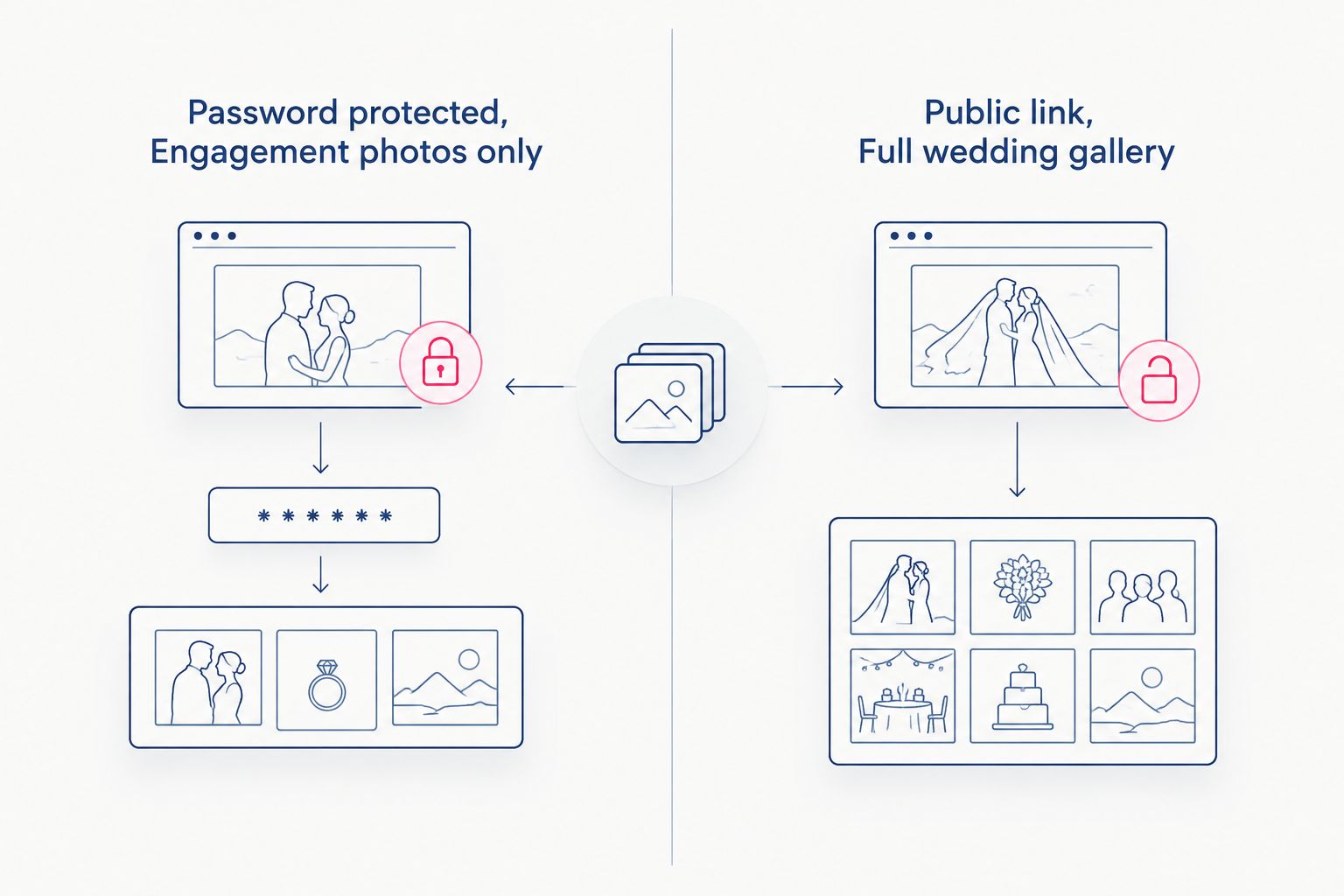
- Before the wedding: link an engagement or save-the-date gallery, often password-protected, so only invited guests see it early.
- After the wedding: replace that link with the full wedding-day gallery, usually switched to public once formal announcements are out.
The swap is the same three steps as above — open the link block, paste the new URL, republish. The only difference is timing: do it within a week or two of receiving the final gallery so guests aren't clicking through to old engagement photos in 2026 when the wedding photos have already been delivered.
Test the connection guests will use
- Open your wedding website in an incognito or private browser window — this shows you what a guest sees without your login saved.
- Click the gallery button and confirm it opens the correct gallery, not an old cached version.
- If the gallery is password protected, type the password exactly as published on the site to confirm it matches what's set on the gallery platform — passwords are usually case-sensitive.
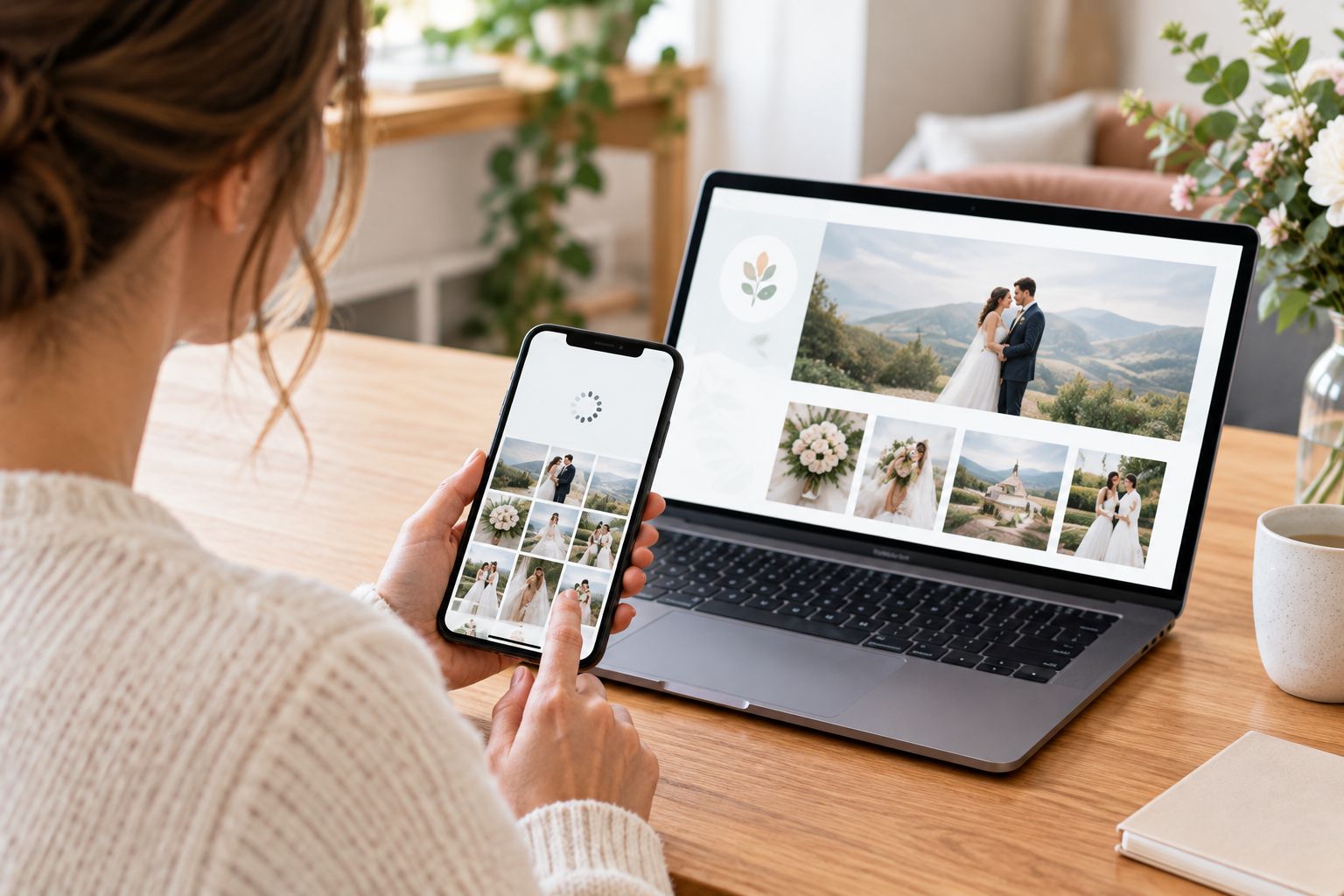
- Repeat the test on a phone. Most wedding website traffic in 2026 comes from mobile, and a button that works on desktop can still be missing or mislabeled on a smaller screen.
“If your gallery link breaks after the wedding, guests won't ask for a new one — they'll just stop looking.”
Troubleshooting
- Link shows "page not found": the gallery isn't published yet on the photographer's side. Confirm with them before assuming the website setup is wrong.
- Password not accepted: check for a typo or extra space when you copied it, and confirm capitalization — most gallery platforms treat passwords as case-sensitive.
- Gallery loads slowly on mobile: this is usually the gallery platform serving full-resolution originals instead of compressed previews, not an issue with your wedding website.
- Guests say they can't find the link: it's likely buried below the fold or on a page nobody scrolls to. Move it to the main navigation or the homepage.
- Old gallery still shows after you swapped the link: this is browser or site caching. Republish the page and have a guest do a hard refresh before assuming the update didn't save.
Get a gallery link built to connect cleanly
See how David Suns Weddings delivers wedding photos and video.
Customize your workflow
Once the photo gallery link is live, expand the same pattern instead of stopping there:
- Add a second link for a highlight reel or social cut if your videographer delivers one separately.
- If you're still narrowing down which images go into a printed album, working through how to select photos for a wedding album before the gallery goes live saves a second round of link updates later.
- Couples still choosing a photographer for 2026 can review how to choose a wedding photographer for your big day before locking in a gallery platform, since delivery format varies by photographer.
Verdict: connecting your wedding website to your photo gallery is a 15-minute task once the gallery exists — the only real risk is forgetting to test the link on mobile before sharing it.
FAQ
What's the best way to connect a wedding website to a photo gallery?
Paste the gallery's URL into a link or button block on your wedding website's Photos or Details page — don't try to embed the full gallery with code unless your builder explicitly supports it. Test the link on both desktop and mobile after publishing.
Should I embed the gallery or just link to it?
Linking out is simpler and more reliable for most couples in 2026. Embedding requires the gallery platform to support iframe embeds, which not all wedding photographers' platforms do, and it can slow down your wedding website's load time.
How much does it cost to add a photo gallery link to a wedding website?
Adding a link or button to an existing wedding website costs nothing extra on most builders since it's a standard content block. The gallery itself comes from your photographer or videographer as part of their delivery.
Can guests download photos from a gallery linked on my wedding website?
That depends on settings your photographer controls on the gallery platform, not on your wedding website. Check with your photographer whether downloads are enabled before telling guests they can save images.
When should I add the gallery link to my wedding website?
Add it as soon as your photographer delivers the gallery, whether that's an engagement shoot before the wedding or the full wedding-day gallery after. Swapping the link takes the same few minutes each time.
What if my photographer's gallery is password protected?
Publish the password directly next to the gallery link on your wedding website, in the same text block. A password with no visible clue where to find it just generates emails asking for it.
Do wedding website builders like Zola, WithJoy, and The Knot all support gallery links?
Yes — every major wedding website builder includes a link or button block that accepts any external URL, which is all a photo gallery link needs. The exact field names differ slightly between platforms, but the function is the same.
One last thing
Set the gallery button to open in a new tab, not the same window. It sounds minor, but it means a guest who clicks through to browse 400 wedding photos doesn't lose your wedding website's RSVP page or registry link in the process — they just close the tab and land right back where they started.